Music Magic · Single-Note Arrange

Play single notes get a little band

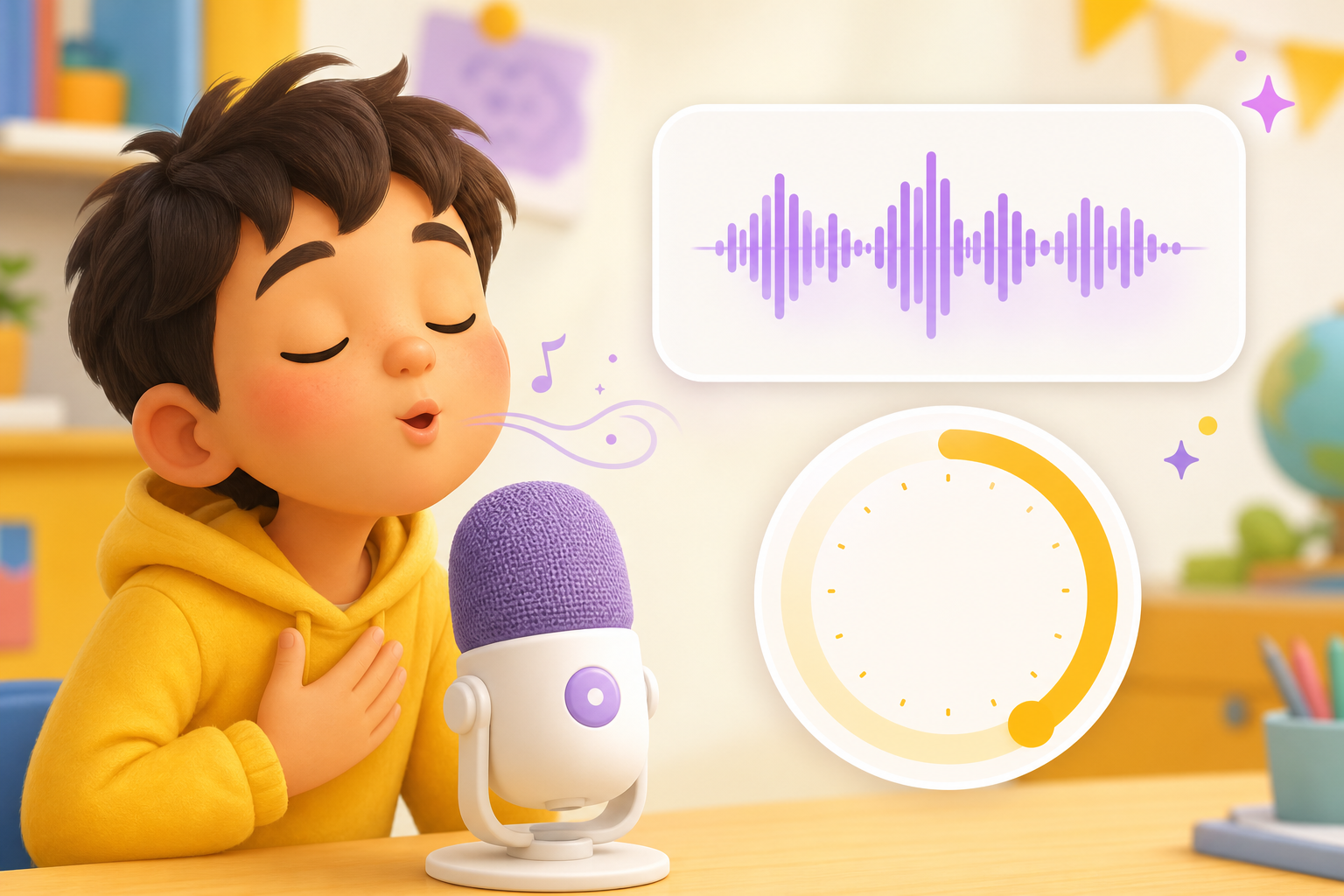
Record a single-note melody with the microphone, or pick a preset note sequence. I arrange your one-note-at-a-time line with drums, bass, and backing — a band version in minutes.

Record your note line

Tap to record

Record at least 30s

Your recording is only used for this song

Pick a preset line

Arrange preview

Note line · band version

Note line · band version

Note line · band version

Works on desktop, phone, and tabletDesktopMobileTabletWeb

Your single-note arrange buddy

One note line at a time — record it or tap a preset, then hear the band version

Record a note melody

Record a note melody

No device connection or sheet music needed. Hum, play, or whistle a single-note line and record it as arrange material.

Library reference, then record

Library reference, then record

Pick a reference track, listen first, then record your own single-note line.

Preset note sequences — tap to arrange

Preset note sequences — tap to arrange

No recording? Tap presets like Twinkle Stairs or Bunny Hop and start single-note arranging.

One line, one tap to a band

One line, one tap to a band

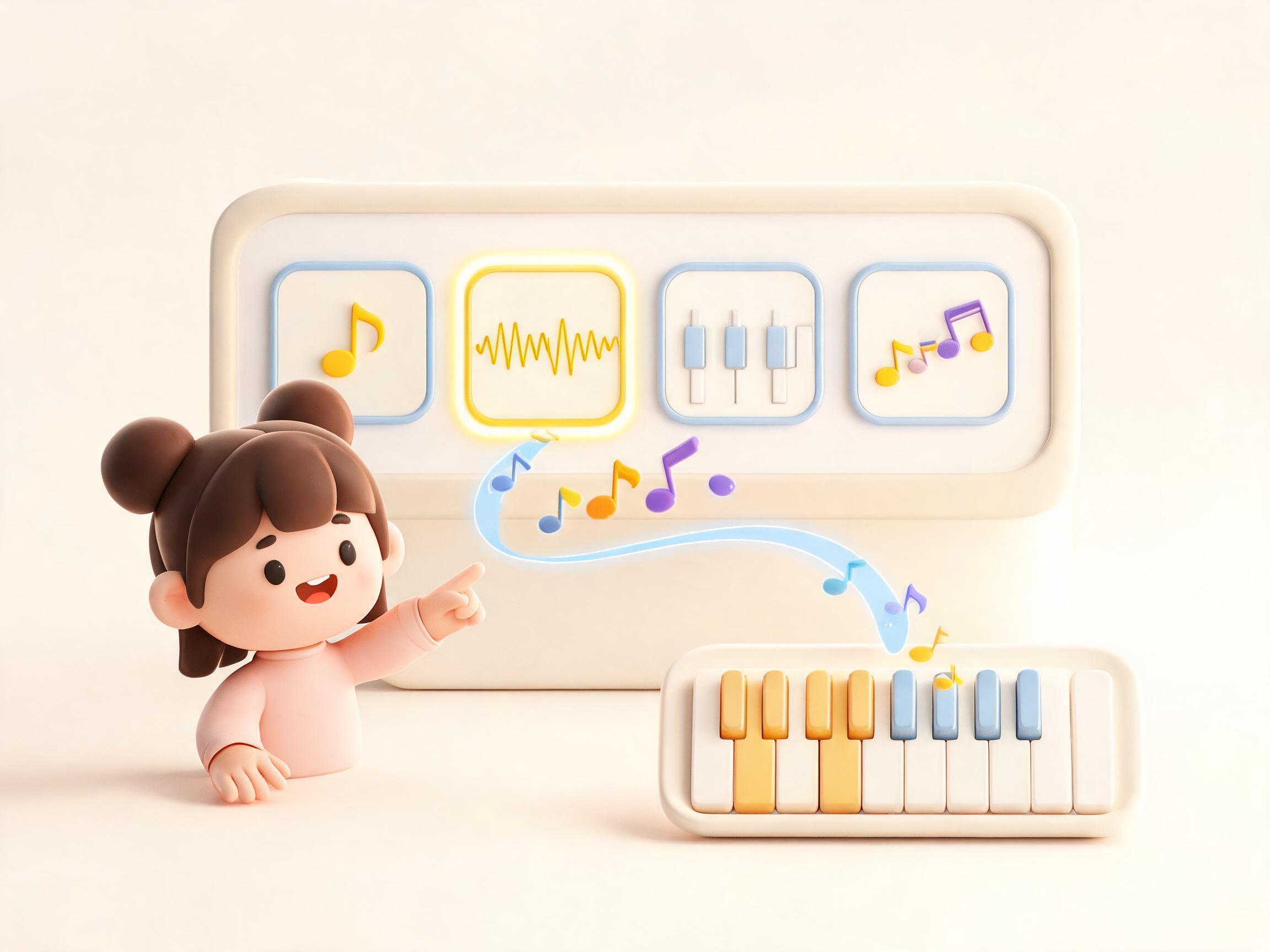
I read your solfege sequence and add drums, bass, and small instruments so one note line sounds full.

Three steps to single-note arranging

1

Get your note material

Record a melody, follow a library reference, or tap a preset solfege tune.

2

Confirm the note material

Record a single-note melody or pick a preset, then continue to arrange.

3

Generate and listen

Tap Generate song to open the create page, set lyrics and styles, then hear the band version.

Real showcase cases

Each case started from single-note input (recording or a preset sequence) arranged into a band version — cover, scene, and audio included.

Classroom recording · starlight bandMusic class0:34
Note input · Recorded note lineBand arrange · Bright little band

Classroom recording · starlight band

A child recorded a single-note melody in music class. Bells, tambourine, and bouncy bass turned it into a warm-up tune.

Note arrange sample

Bedtime stars · calm arrangeFamily bedtime0:32
Note input · Twinkle presetBand arrange · Calm fairytale

Bedtime stars · calm arrange

The Twinkle Stairs preset became xylophone, soft strings, and tiny drums for a picture-book bedtime mood.

Note arrange sample

Bunny Hop · class activityClass activity0:33
Note input · Bunny Hop tuneBand arrange · Playful rhythm

Bunny Hop · class activity

Bunny Hop became playful drums and piccolo hooks, made for clapping and rhythm games in class.

Note arrange sample

Raindrop Line · story scorePicture book score0:35
Note input · Raindrop Line tuneBand arrange · Gentle scenic

Raindrop Line · story score

A descending melody turned into a rainy story scene with glockenspiel, soft pads, and water-drop textures.

Note arrange sample

Why DomiKidsAI single-note arranging?

Built for monophonic melodies — no notation, still a rich band sound

Just a note line

Record a note line or pick a preset — super easy to start arranging.

One line, full sound

A single melodic line plus drums and backing can sound surprisingly complete.

Many solfege presets

Preset sequences and the music library — tap one when you need a starting line.

Safe and caring

Gentle flow — grown-ups can pick note sequences and preview the band version together.

Try it for free

Free credits after sign-up — play a note line or pick a preset and hear the arrange result.

Every note remembered

Each recorded note line can be dressed up as a little band.

What users say

Stories from classrooms and families doing single-note arranging

Ms. ChenGuoguo's momLeleMr. LinMiaDad Zhou
5.0

Arranging used to need lots of theory. Now kids play a few solfege notes and hear a band version right away.

Ms. Chen

Ms. Chen

Elementary music teacher

5.0

When she does not want to record, she taps Twinkle Stairs — her solfege line with drums and backing feels like her first arrange.

Guoguo's mom

Guoguo's mom

Parent of a 7-year-old

5.0

I played do re mi and got drums and trumpet. Classmates said it sounds like cartoon music — I want one for my dog.

Lele

Lele

Grade 3 student

5.0

Great for beginners — kids learn one note line can sound rich before heavy theory. Perfect for single-note arranging.

Mr. Lin

Mr. Lin

Beginner piano coach

5.0

Feels like a music playground — pick solfege, watch chips connect, hear the band on the vinyl player.

Mia

Mia

Family music user

5.0

Demo mode helps — kids hear how preset notes become a band and then want to record their own line.

Dad Zhou

Dad Zhou

Family creator

Questions kids often ask

Single-note arranging — solfege in, band version out

You record a line of single notes, or pick a preset do-re-mi sequence. I add drums, bass, and backing.

Music Magic · Single-Note Arrange

From your first note line to a band version

Record a single-note melody or pick a preset sequence. Tap Start arranging and hear your notes dressed up with instruments.

Solfege chips you can seeParents get the arrange flow
Record single notes above

SINGLE-NOTE ARRANGE

Note line · band version