
 DomiKidsAI
An all-in-one AI learning companion for kids — learning through chat, creation, and exploration.
Join Creation PlanChat Sprites
Art Wizard
Animation Studio
Creative Workshop
Art Film | Place Your Star in a Cinematic Scene
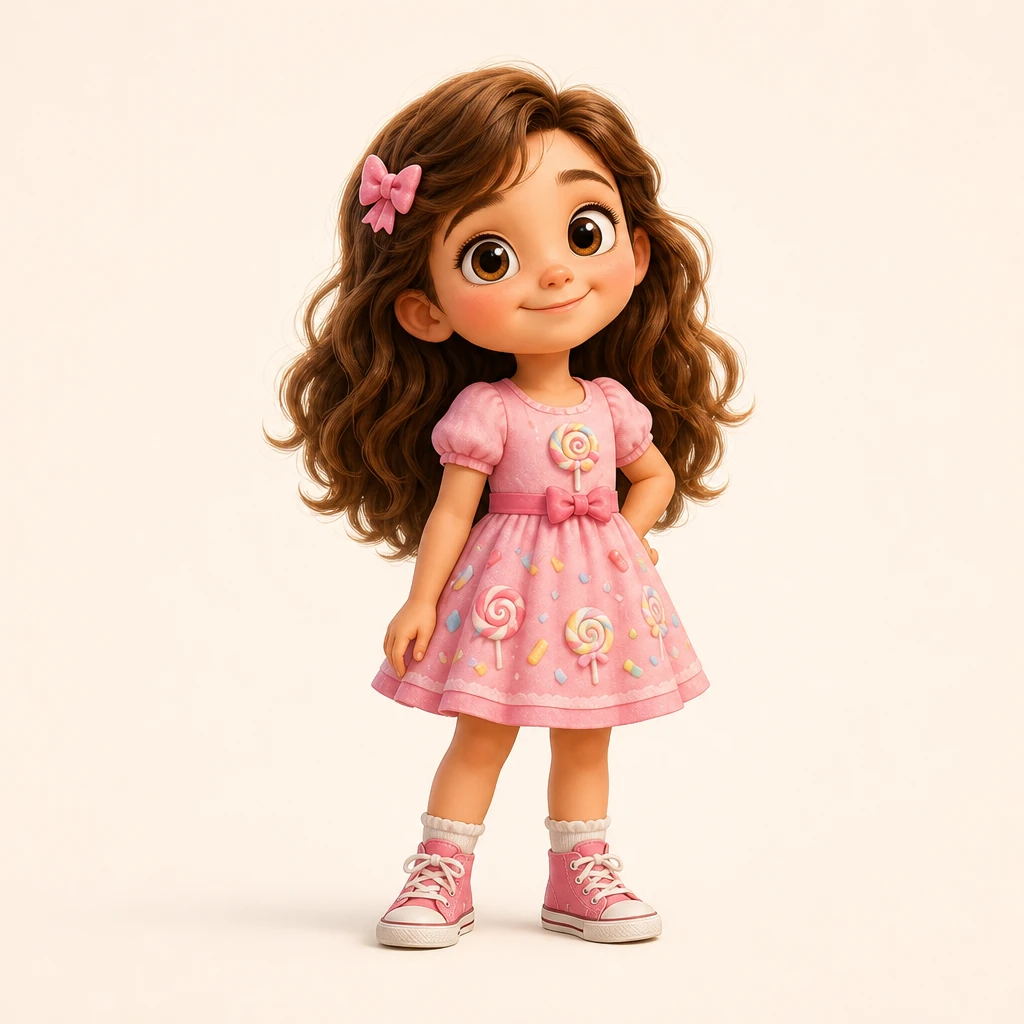
Upload a photo or a character your child drew, pick a cinematic scene — forest, stage, gallery, future world… The star stays the same, it just steps into a new scene full of light and story, lovely like a movie poster.
Upload Your Star
Pick a Cinematic Scene
Lighting Mood
Aspect Ratio
What scene should it be? (optional)
Upload your star first and we'll start filming
Scene Preview
Before
Your art film
One subject, placed into cinematic light and scene
The subject enters forest, stage, campus and gallery backgrounds — classroom-friendly cinematic art.
The subject enters forest, stage, campus and gallery backgrounds — classroom-friendly cinematic art.
From Ordinary Subject to Scene Preview
The feature video shows how a subject is placed into a scene as a poster cover, display image and portfolio-ready visual.
Background, lighting and composition shift while keeping the original subject recognizable.
One subject, scene and light change together
Background, lighting and composition shift while keeping the original subject recognizable.
A Few Easy Steps to Place Your Star in a Scene
No tricky steps — kids can do it all by themselves.

Upload your star
Upload the star from a photo or drawing. A clear subject looks better.
Pick a scene
Forest, stage, gallery, future world… choose a cinematic scene you love.
Tune light & ratio
Pick a lighting mood, then choose square, landscape or portrait.

Film & save
Wait a few seconds, the star steps into the scene — download and share.
Characters step into scenes
The same star stays the same — a new scene gives it a movie-poster mood.
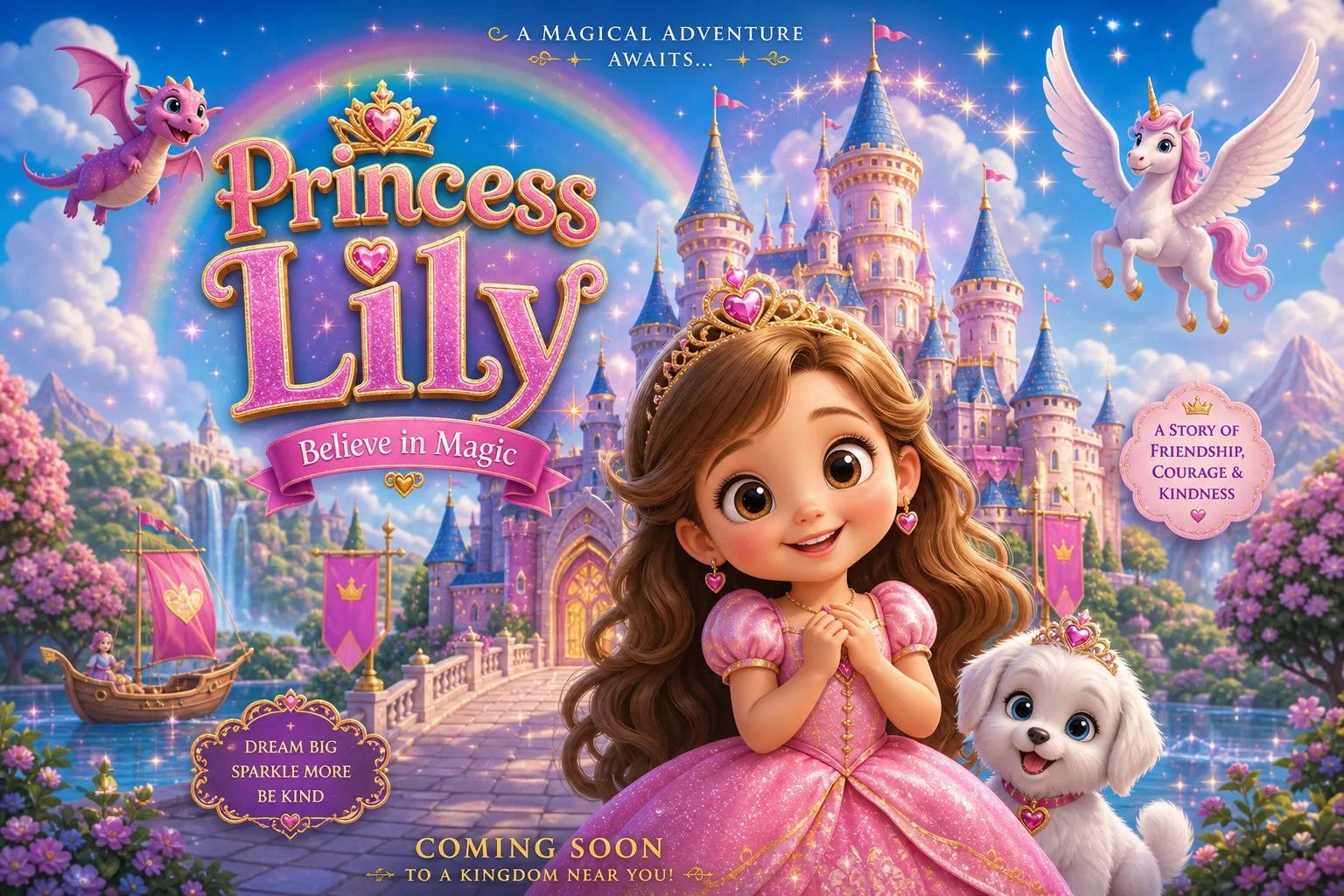
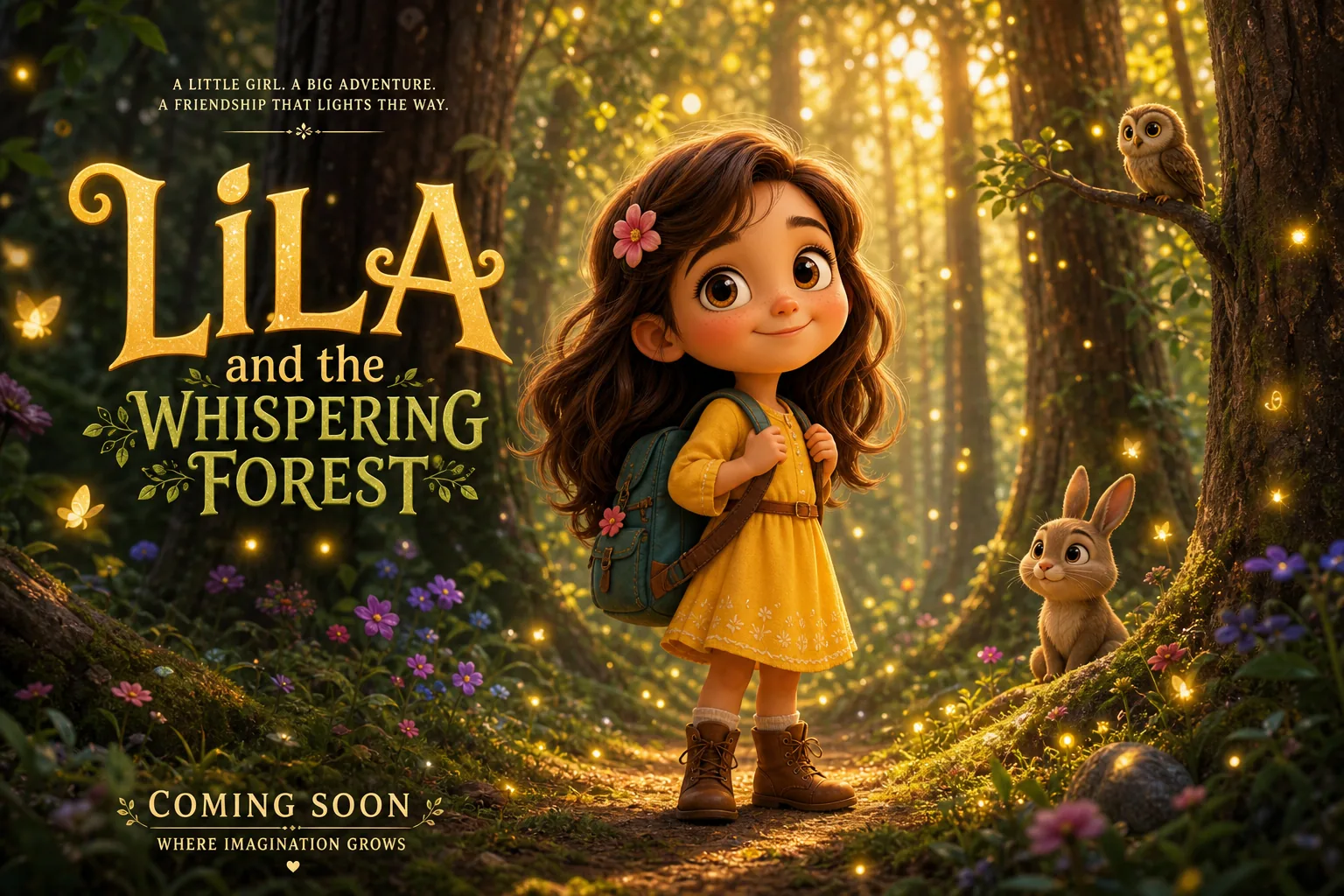
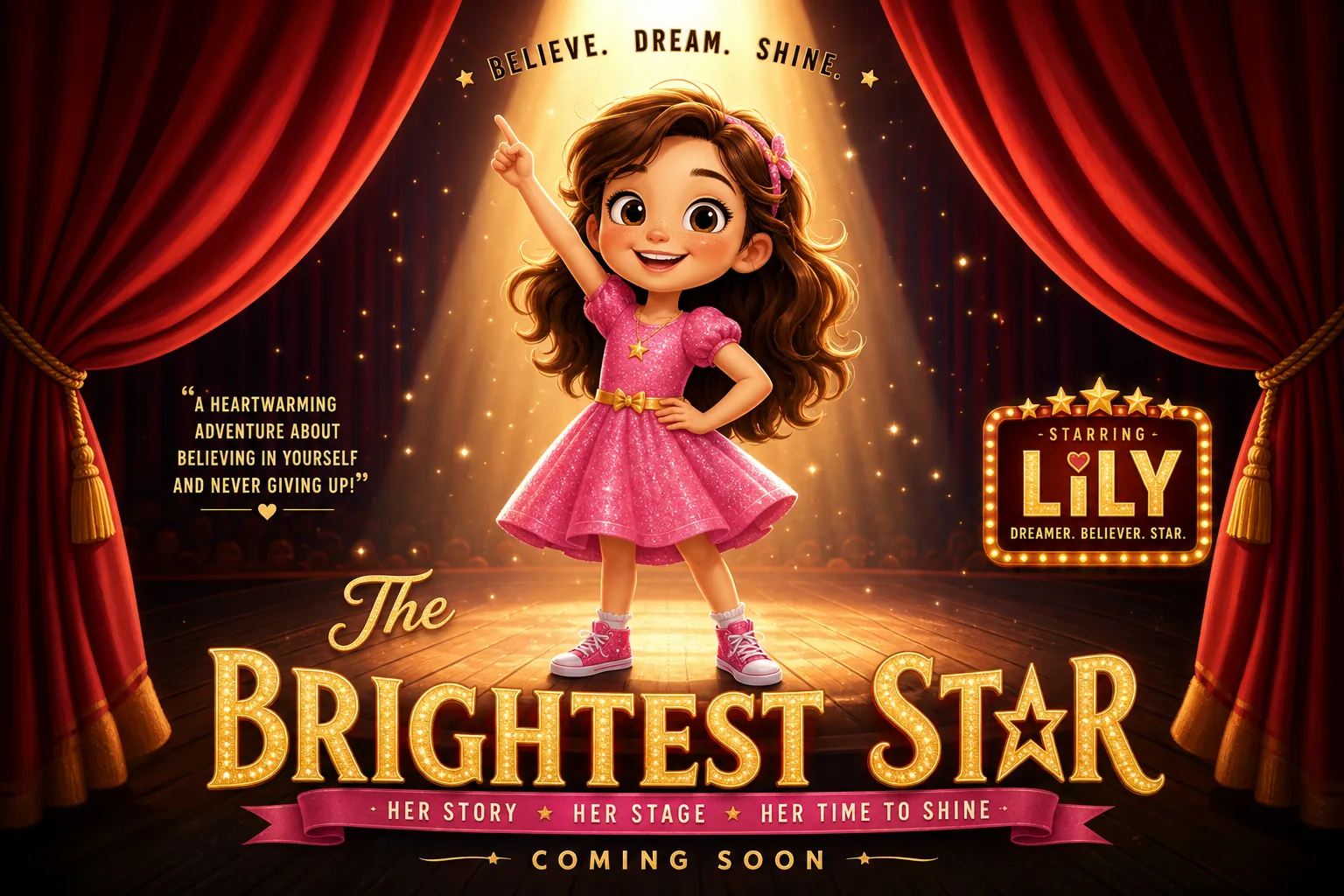
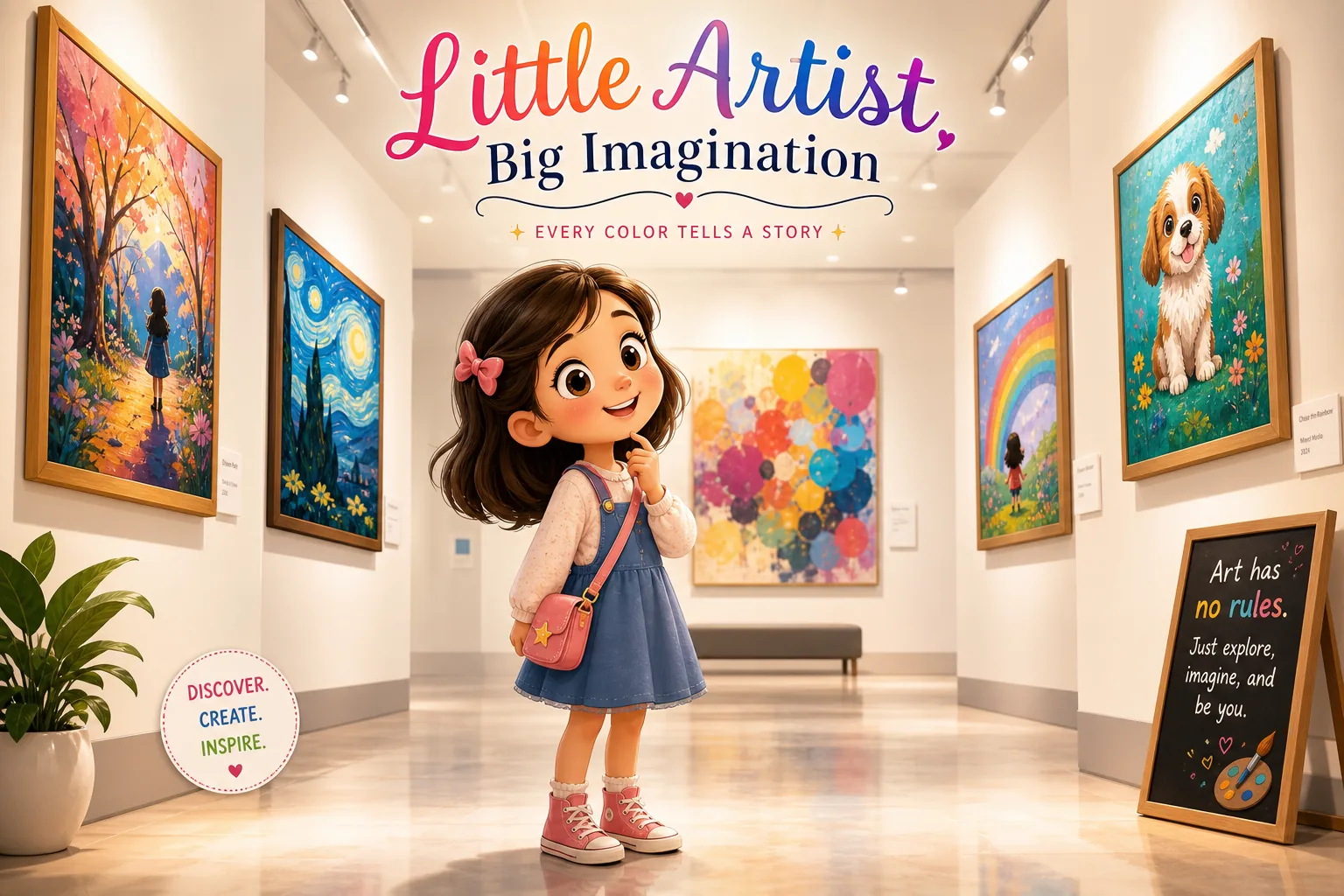
Artwork officially on show
Place a child's drawing into a gallery or campus, like it's truly on display.
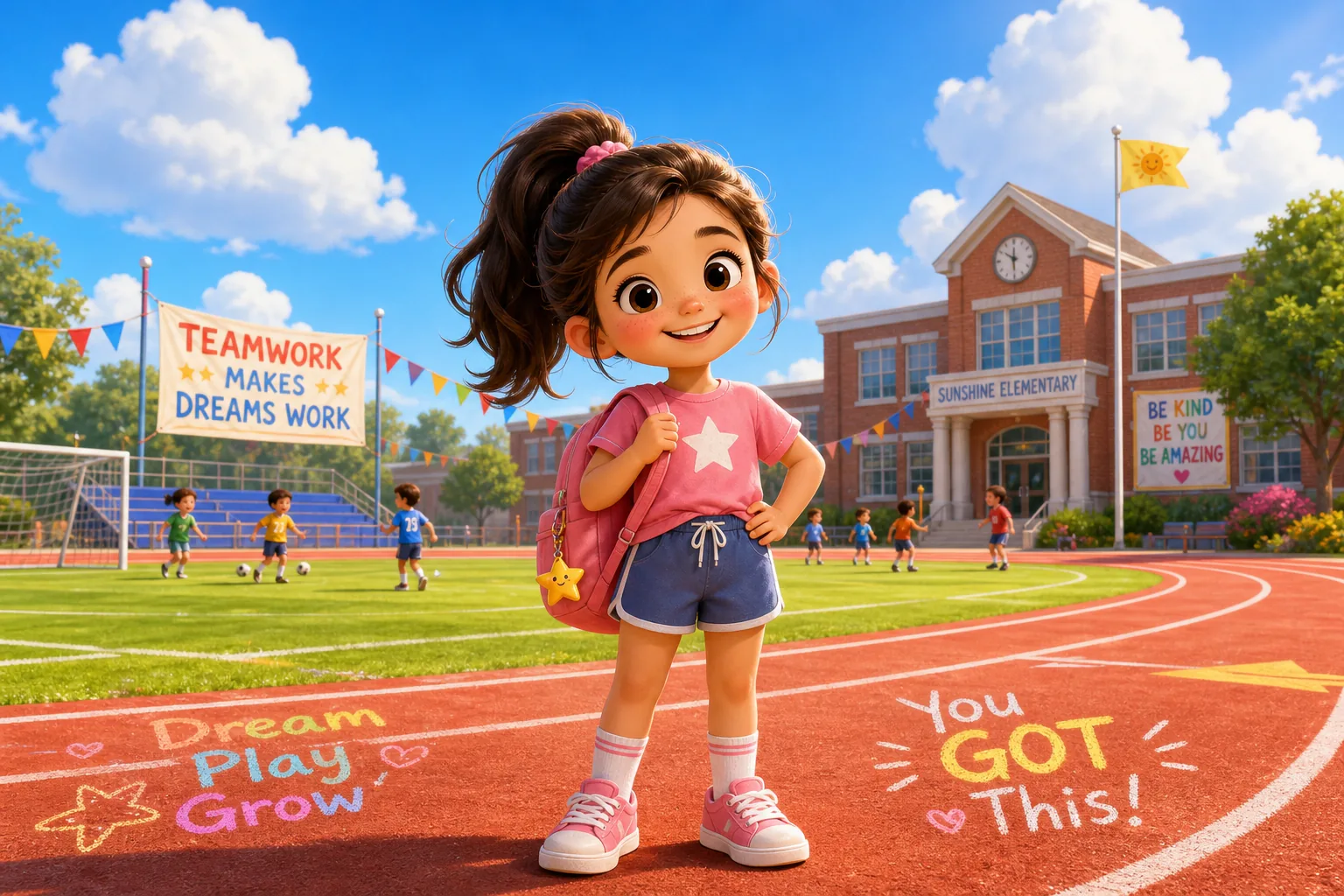
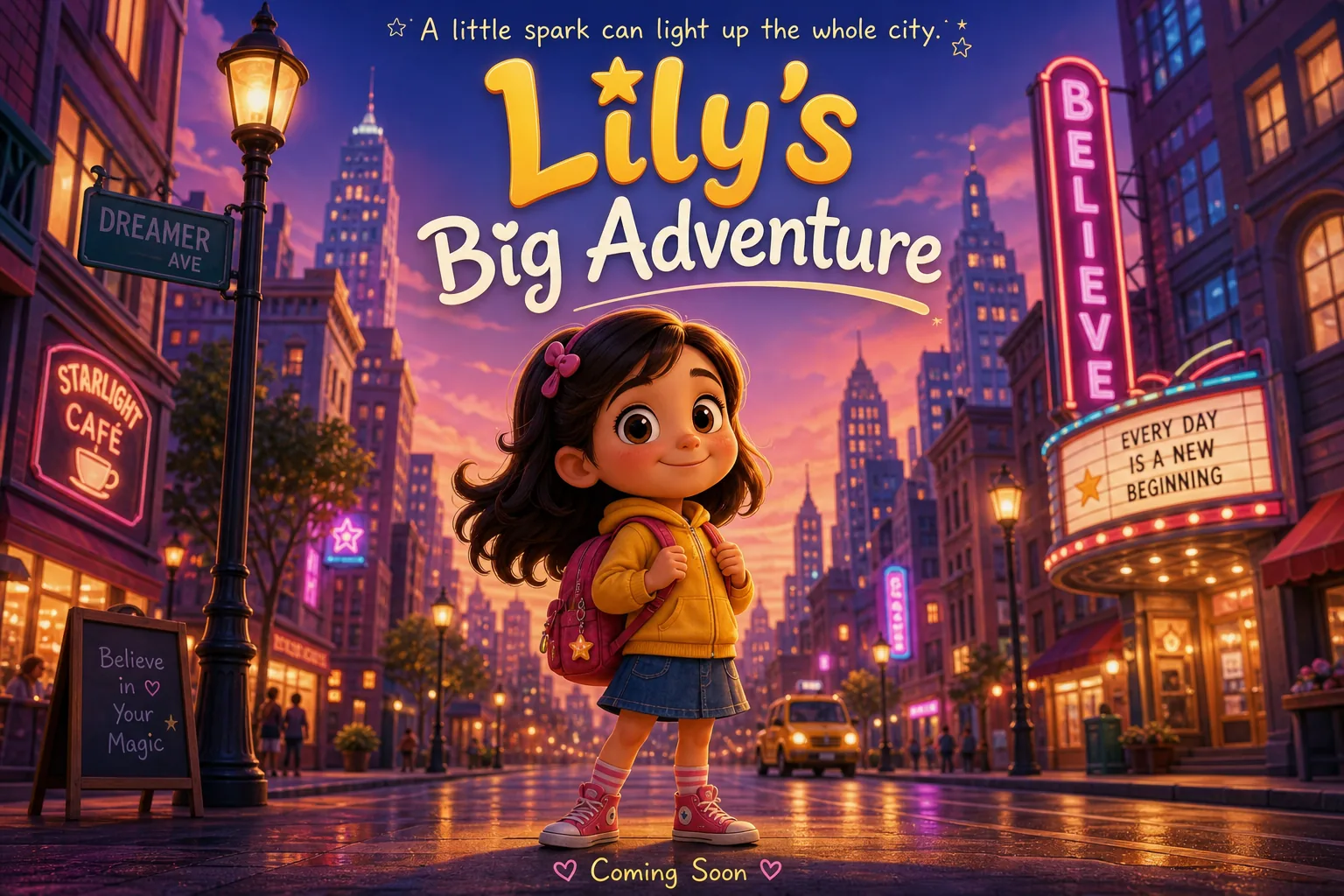
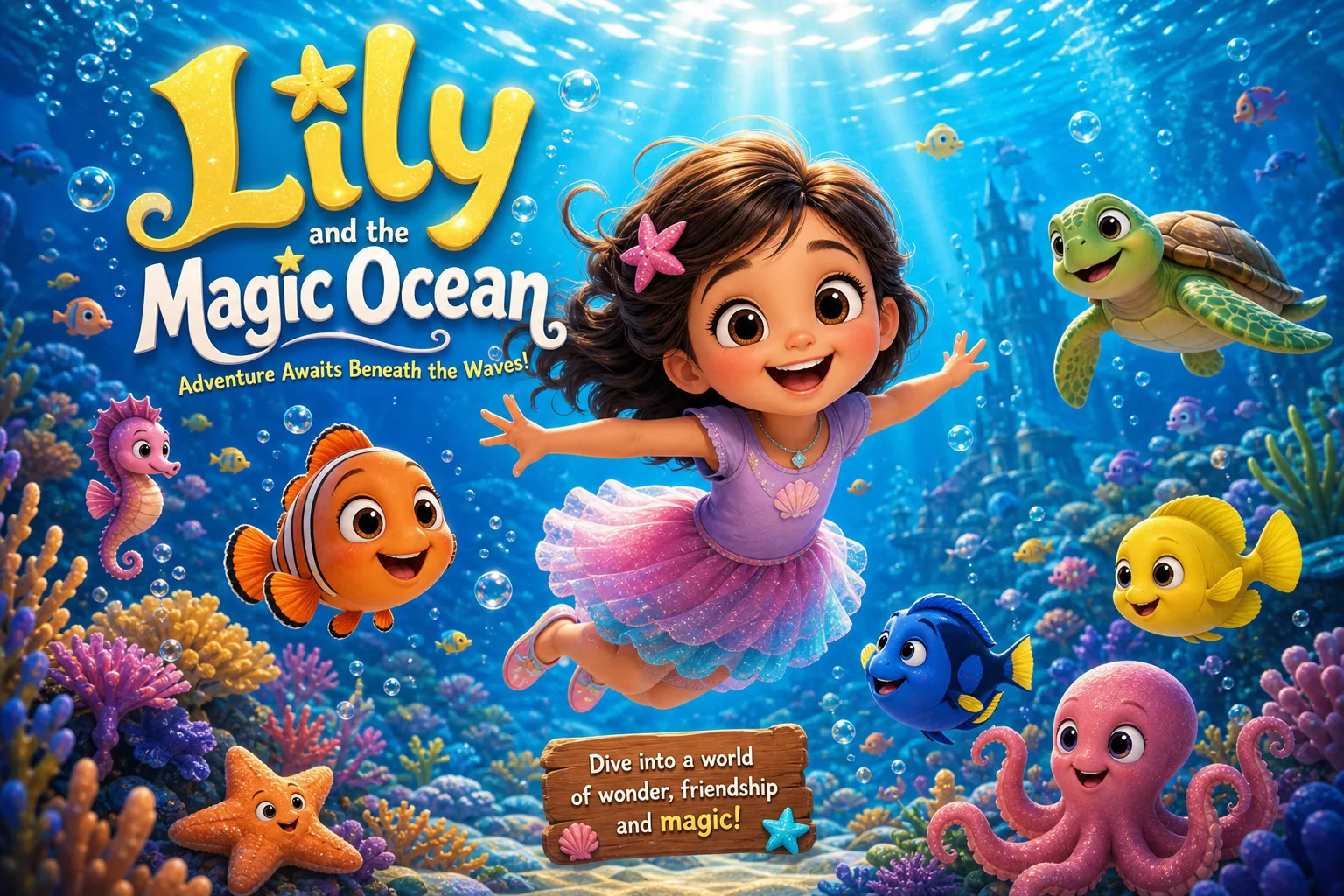
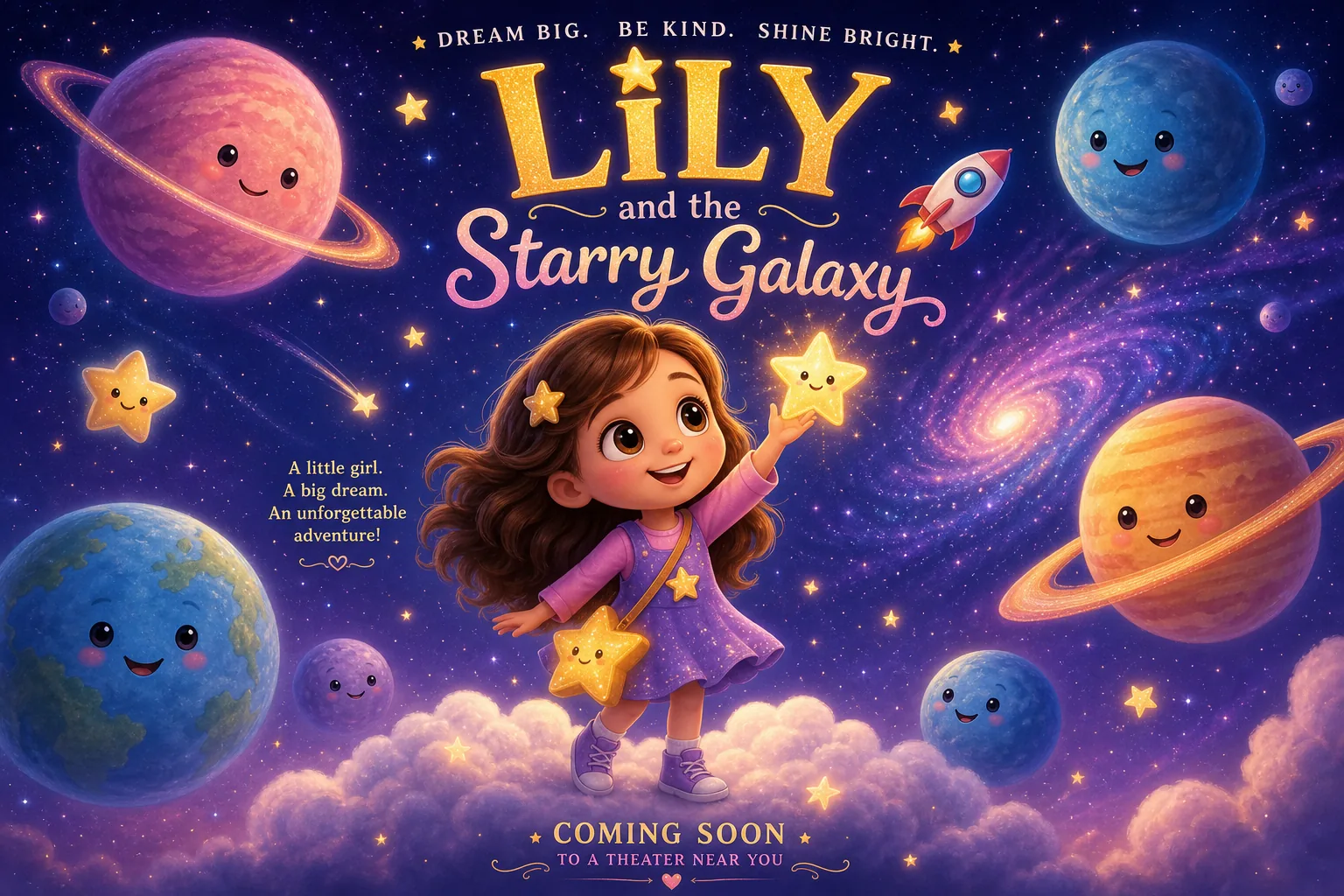
Ideas enter wonder worlds
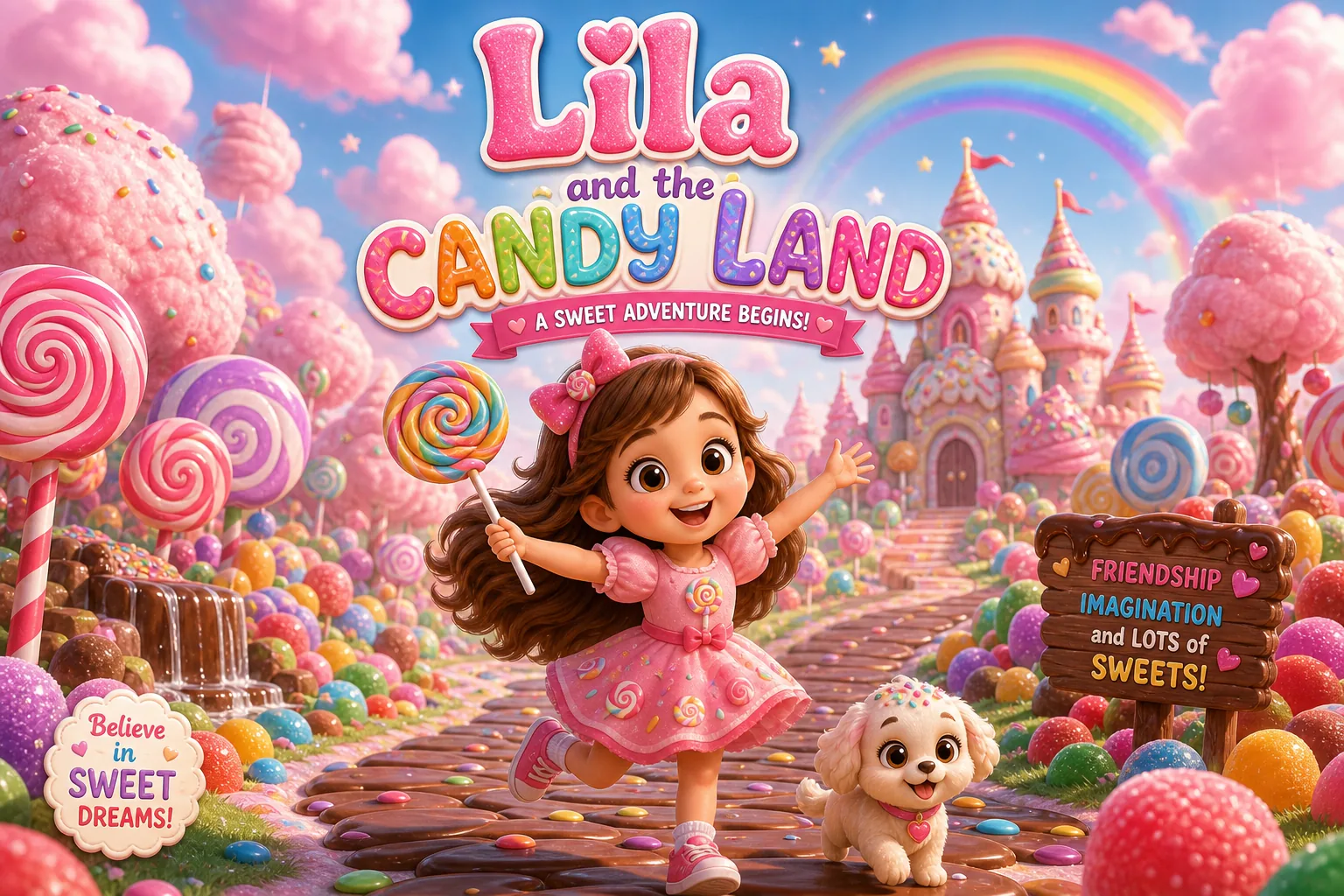
Under the sea, starry space, candy land — every try feels like a new story.
The Little Magic Inside
Scenes to pick
Forest, stage, gallery, future world… one star can visit so many cinematic scenes.
Keeps the star as is
We keep the original star and shape, only swapping the scene, so the work still feels like the child's own.
Mood from the light
Switch between natural, cinematic and dreamy light to add story to the picture.
Movie-poster feel
Place the star into a scene with depth and light, lovely and full of story like a poster.
Ratio to fit
Square, landscape or portrait — ready for posters, covers and the class wall.
Star stands out
Cleanly lift the star from its old background so it sits naturally in the new scene.
Frequently Asked Questions
Everything you'd like to know about Art Film.
Upload your star, pick a cinematic scene, and it places the star into a forest, stage, gallery, future world and more — with atmospheric lighting — to make a movie-poster-style display image. The star stays the same; only the scene changes.
Every Star Deserves a Cinematic Scene
The best work isn't made by AI — it's made by kids. We just find a stage full of light and story for those precious stars.