 DomiKidsAI
An all-in-one AI learning companion for kids — learning through chat, creation, and exploration.
Join Creation PlanChat Sprites
Art Wizard
Animation Studio
Creative Workshop

Deconstruction | See Every Part Inside
Upload a character, product or design image. AI turns the subject into a structured exploded-view style image so kids can understand parts, shapes and design relationships.
Choose a deconstruction direction
Upload an image
Extra deconstruction notes (optional)
Upload an image first to get started
Deconstruction Preview
One artwork, opened into an exploded-view design
A character or product separates into ordered parts with guide lines and structure labels.
A character or product separates into ordered parts with guide lines and structure labels.
How to Make a Deconstruction Image
A small design deconstruction guide
- 1
Choose a direction·Assembly view, mechanical parts or character parts — decide what to observe first.
- 2
Upload the subject·Characters, toys, products and design sketches all work best when the subject is clear.
- 3
Add label notes·Tell AI which parts to highlight, and it will organize the design more clearly.
- 4
Download for class·Use the result for observation, explanation, redesign and portfolio display.

Understand Parts, Structure and Design
From toys and school mascots to products and character designs — each subject breaks down into clear parts and structure.
The same approach applied to different subjects — shell, core parts and connections laid out clearly.
One artwork, the deconstruction method in action
The same approach applied to different subjects — shell, core parts and connections laid out clearly.
From Whole Shape to Parts
Break one complete subject into shell, core parts, connectors and decorative details.

Original subject

Outer shell
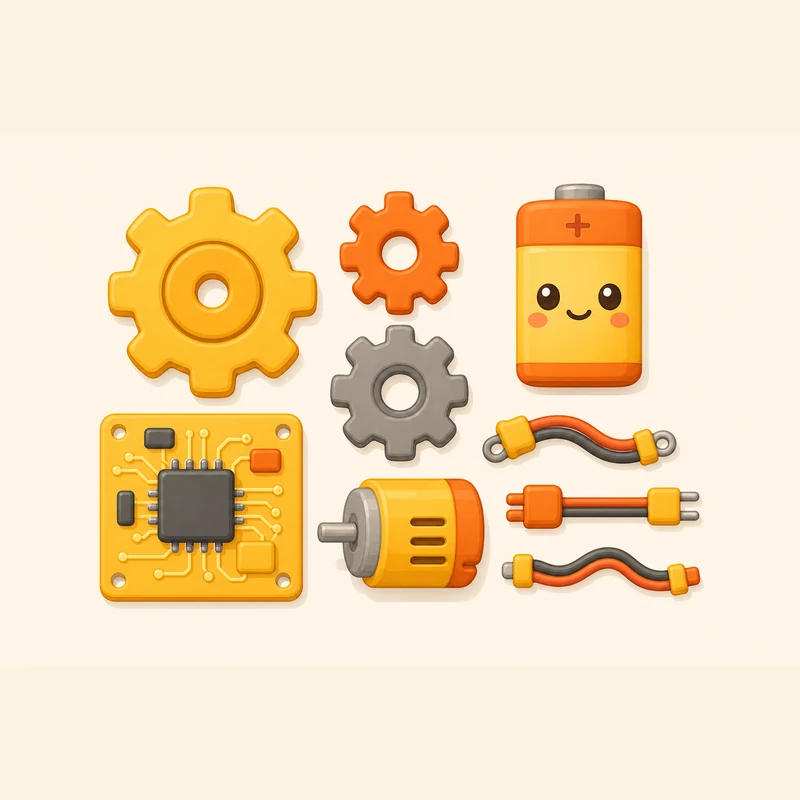
Core parts

Decor pieces
Expand Like a Product Design Sheet
Keep the subject centered while parts spread around it in a clean, readable order.
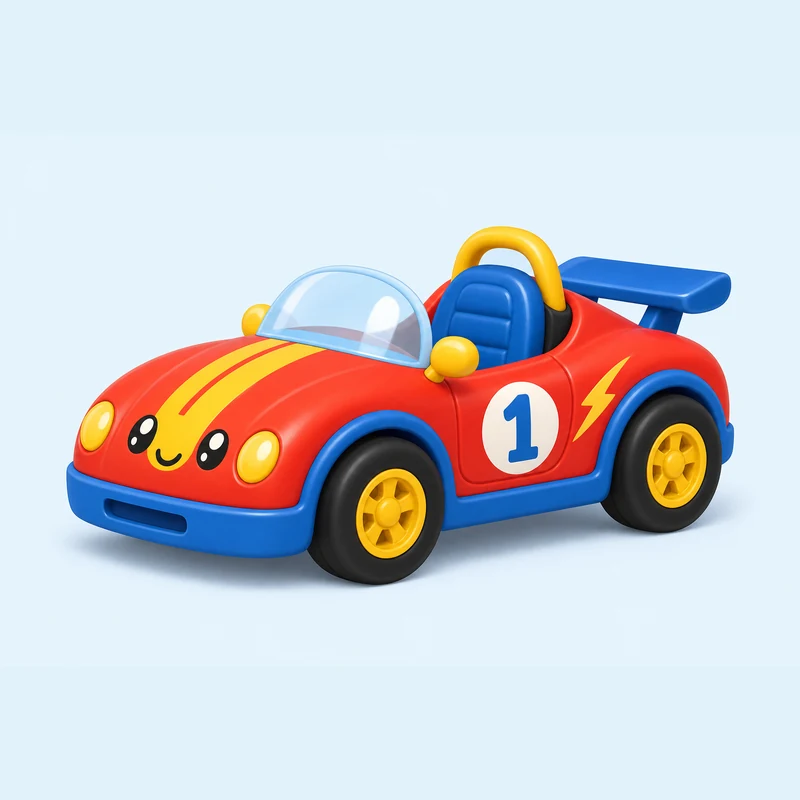
Full shape
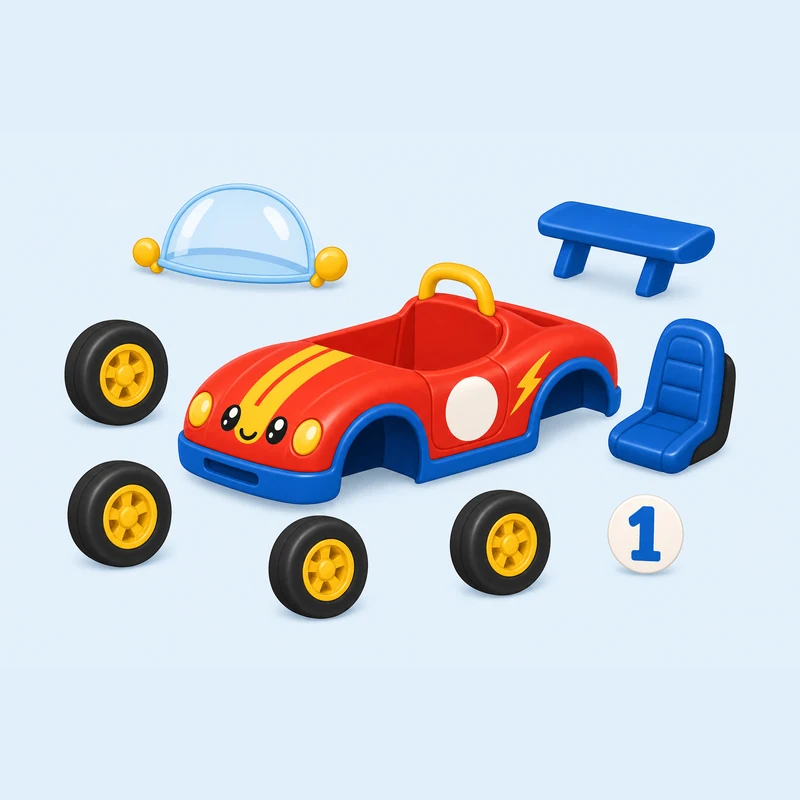
Expanded parts
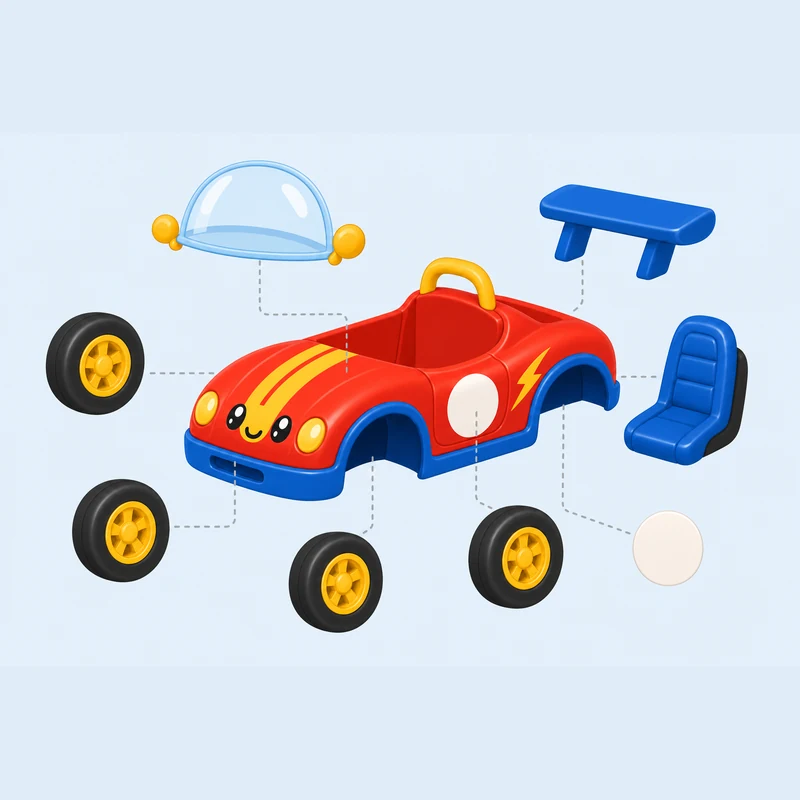
Relation lines
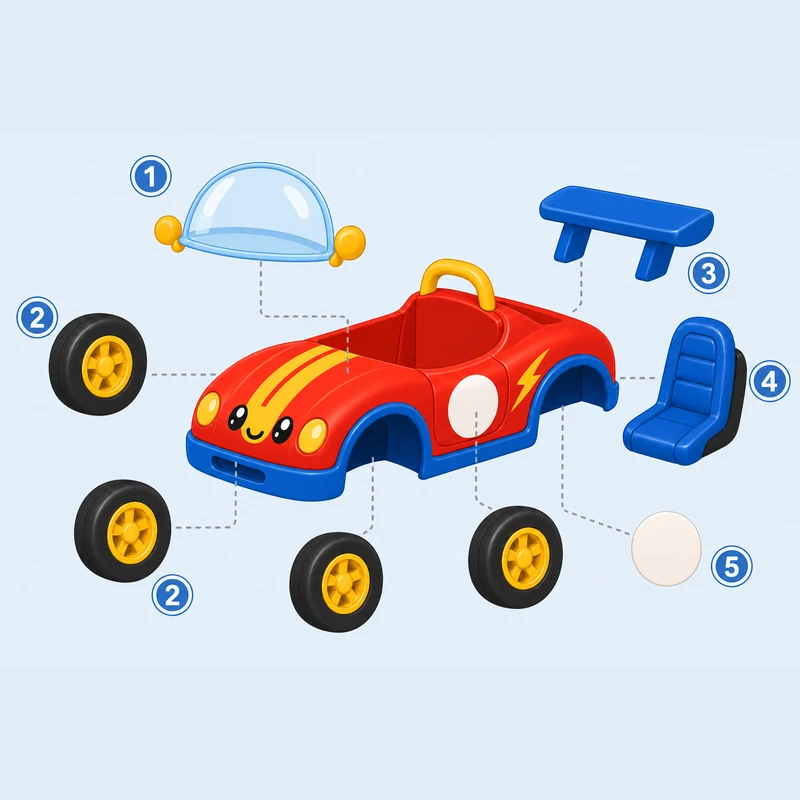
Assembly notes
Observe and Redesign in Class
Move from seeing the outside to understanding structure, then try a redesign idea.

Observe

Deconstruct

Label

Redesign
What Deconstruction Helps Kids Understand
See the whole structure
Break a complete subject into shell, core and parts, so kids see at a glance what it's made of.
Know every part
Each piece is laid out on its own with a clear place, so kids know what they look like and where they go.
Understand assembly
Relation lines connect parts to the subject, making it clear how they fit together.
Observe in order
From outside to inside, whole to detail — building a tidy habit of observing things.
Redesign hands-on
Once the structure is clear, kids can tweak and add to make their own design.
Great for class
Clean deconstruction images are perfect for observation notes, lessons and portfolio display.
Every subject holds an interesting structure
Upload an image and see how AI breaks it into a clear structure, helping kids understand design.